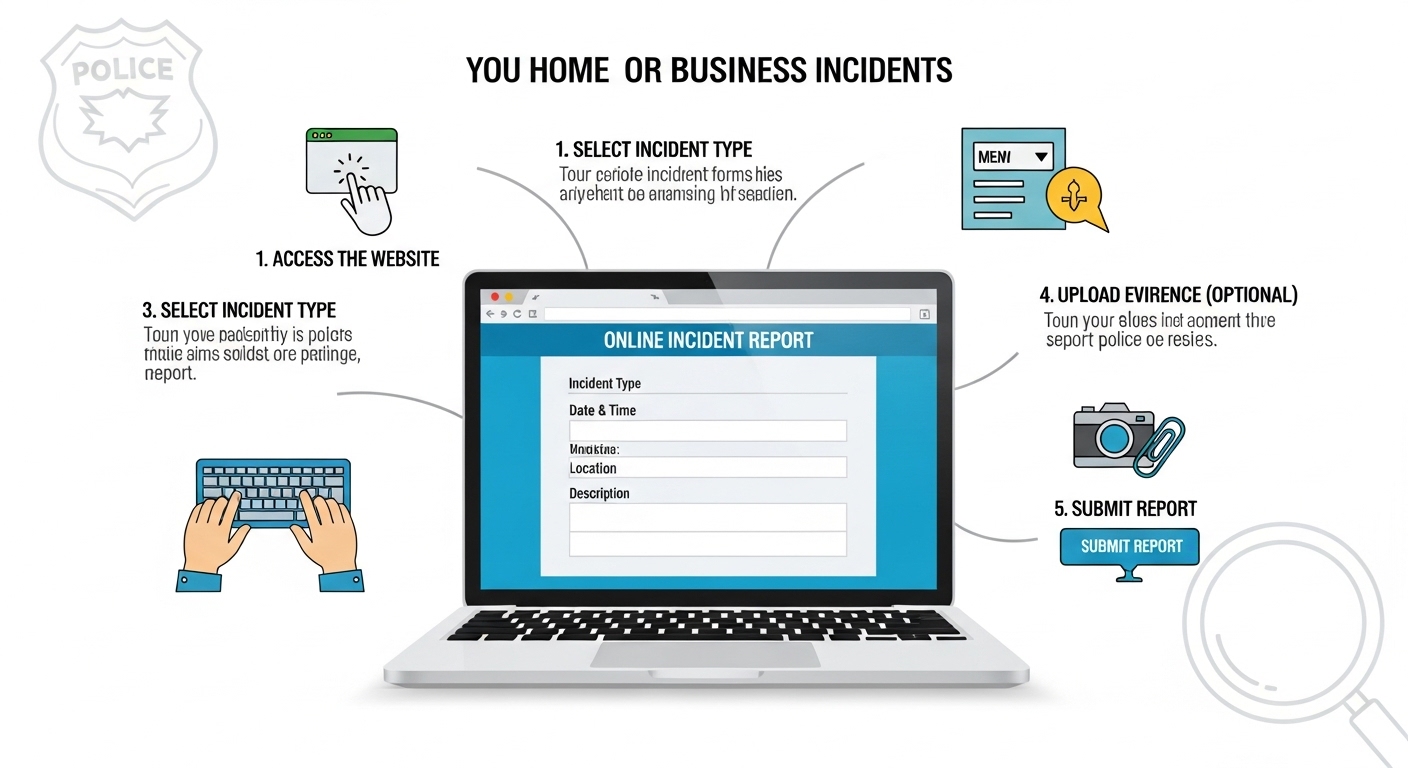
How to Report Home or Business Incidents Online Step-by-Step
The fastest way to report a home or business incident online is to document the event immediately, gather evidence, access the correct reporting portal (police, insurance provider, landlord, or local authority), submit accurate details, upload supporting files, and save your confirmation reference number.
Why reporting incidents online quickly matters
When something goes wrong at your home or workplace—damage, theft, accidents, safety hazards, or suspicious activity—waiting too long to report it can cost you money, insurance coverage, legal protection, and peace of mind. Many claims are delayed or rejected simply because incidents weren’t documented properly or reported on time.
Online reporting systems now allow homeowners and business operators to file incident reports within minutes instead of visiting offices or making repeated phone calls. But most people still don’t know which platform to use, what evidence is required, or how to structure a report correctly.
An online incident report is a structured digital submission describing what happened, when it happened, where it occurred, and what evidence supports the claim or complaint. Submitting accurate reports quickly helps protect your legal rights, speeds up insurance claims, and ensures authorities respond faster.
This guide explains exactly how to report incidents step-by-step using official portals, insurance systems, and workplace reporting tools.
What counts as a home or business incident that should be reported online?
A reportable incident includes theft, property damage, workplace injuries, safety hazards, vandalism, fire, cyber incidents, or suspicious activity affecting your home or business.
Many people assume only major emergencies require reporting. In reality, even small incidents should be documented early to prevent disputes later.
Common home incidents you should report
- Break-ins or attempted theft
- Water leaks damaging property
- Fire or smoke damage
- Storm-related structural damage
- Neighbor disputes affecting safety
- Suspicious activity near property
Common business incidents that require reporting
- Employee injuries
- Customer accidents on premises
- Equipment failure causing losses
- Cybersecurity breaches
- Inventory theft
- Property vandalism
Even near-miss events should be logged in business environments to support compliance and workplace safety audits.
Which platforms allow you to report incidents online?
You can report incidents through police portals, insurance company dashboards, municipal service platforms, workplace reporting software, or landlord/property management systems.
Choosing the correct platform depends on the type of incident.
| Incident Type | Where to Report | Purpose |
|---|---|---|
| Theft or vandalism | Police online reporting portal | Legal documentation |
| Property damage | Insurance claim portal | Financial reimbursement |
| Workplace injury | Employer incident system | Compliance record |
| Public hazard | Municipal authority website | Safety correction |
| Maintenance issues | Landlord/property manager portal | Repair tracking |
Submitting reports through the wrong channel is one of the most common reasons claims get delayed.
What information do you need before filing an online incident report?
You need the date, time, location, description of the incident, people involved, photos or videos, and supporting documentation before submitting your report.
Preparing details first prevents incomplete submissions.
Essential details to gather
- Exact time and date
- Location of incident
- Names of witnesses
- Description of damage or injury
- Estimated financial loss
- Supporting media evidence
Insurance providers report that claims submitted with documentation within 24 hours are processed significantly faster than delayed reports.
How do you document evidence properly for an online report?
Document evidence by taking clear photos, recording videos, saving receipts, collecting witness statements, and backing up digital files before submitting the report.
Strong documentation strengthens both legal protection and insurance approval chances.
Best practices for collecting evidence
- Photograph damage from multiple angles
- Capture timestamps where possible
- Save CCTV footage immediately
- Keep repair invoices
- Store files in cloud storage
Businesses with structured documentation systems resolve incident claims up to 40% faster than those without standardized reporting workflows.
How do you file a police incident report online step-by-step?
To file a police incident report online, visit the official police reporting portal, select incident type, complete the form accurately, upload evidence, and submit the report to receive a reference number.
Step-by-step police reporting process
- Visit your local police website
- Select “File an Incident Report”
- Choose incident category
- Enter location and timeline
- Upload photos or documents
- Submit and save confirmation ID
This reference number becomes essential for insurance claims and legal follow-up.
How do you report property damage to your insurance company online?
You can report property damage online by logging into your insurer’s claims portal, selecting claim type, uploading evidence, and submitting repair estimates.
Most insurers now process digital claims faster than phone-based reports.
Typical insurance claim steps
- Login to policy dashboard
- Select claim category
- Upload supporting photos
- Describe damage clearly
- Submit repair cost estimates
- Track claim progress online
Submitting claims within 48 hours significantly improves approval speed.
How do businesses report workplace incidents digitally?
Businesses report workplace incidents digitally using internal reporting systems that capture injury details, compliance data, and corrective actions for regulatory documentation.
Digital logs help organizations meet occupational safety standards.
Workplace reporting workflow
- Notify supervisor immediately
- Record incident description
- Upload medical documentation
- Log corrective actions
- Submit compliance record
Accurate reporting reduces legal exposure and improves safety audits.
Can you report neighborhood safety concerns online?
Yes, many municipalities allow residents to report suspicious activity, street hazards, or public safety concerns through civic service portals.
These platforms help authorities respond quickly to non-emergency risks.
Examples of reportable community issues
- Broken streetlights
- Illegal dumping
- Blocked sidewalks
- Unsafe construction areas
- Noise complaints
Early reporting prevents escalation into larger safety problems.
How long does it take for online incident reports to be processed?
Most online incident reports are acknowledged instantly and reviewed within 24–72 hours depending on severity and reporting authority.
Emergency situations receive priority handling.
Typical response timelines
- Police reports: 1–3 days
- Insurance claims: 2–7 days
- Municipal issues: 3–10 days
- Workplace reports: immediate internal review
Tracking dashboards allow users to monitor updates in real time.
What mistakes should you avoid when submitting incident reports online?
Avoid incomplete descriptions, missing evidence, incorrect timelines, duplicate submissions, and failing to save confirmation numbers.
These mistakes often delay processing.
Most common reporting errors
- Submitting unclear photos
- Leaving required fields blank
- Uploading wrong documents
- Reporting late
- Using unofficial portals
Careful submissions increase approval success rates significantly.
Conclusion: Why accurate online reporting protects your property and business
Reporting incidents online quickly creates a permanent record that protects your legal rights, speeds insurance processing, and ensures authorities respond efficiently. Whether you’re documenting theft, workplace injuries, or structural damage, the right reporting process can prevent disputes and reduce financial losses.
Start by identifying the correct reporting portal, gathering evidence immediately, and submitting accurate details with supporting documentation. Save confirmation references and track progress until resolution.
If you manage a home, rental property, or business location, creating a simple reporting checklist today ensures you’re prepared when incidents happen tomorrow.
FAQ: Reporting home or business incidents online
Can I file an incident report online instead of visiting a police station?
Yes, most non-emergency incidents such as theft, vandalism, or minor property damage can be reported through official police websites without visiting a station.
Is online incident reporting legally valid?
Yes, reports submitted through official authority or insurance portals create valid digital records recognized for claims, investigations, and compliance purposes.
What happens after submitting an online incident report?
After submission, authorities or insurers review details, assign a case number, request additional documentation if needed, and begin investigation or claim processing.
Can businesses automate incident reporting systems?
Yes, many organizations use digital workplace safety platforms to automatically log incidents, track corrective actions, and maintain compliance documentation.
Do I need evidence before submitting a report?
Evidence is not always required initially, but supporting documents like photos and receipts significantly improve claim approval chances.
How soon should incidents be reported online?
Incidents should ideally be reported within 24–48 hours to avoid delays, claim rejection risks, or loss of legal protection.
Can tenants report property incidents directly online?
Yes, tenants can report maintenance issues, hazards, or damages through landlord portals or property management platforms depending on lease agreements.
Read More Also Did you know these different types of electric kettle?
Discover More 15 Budget Home Decor Ideas for Small Rooms










Post Comment